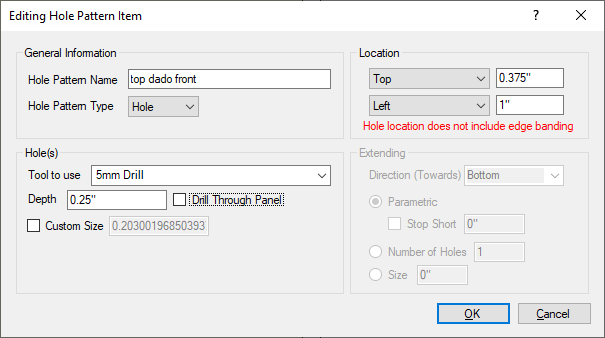
Hole Patterns
Hole Patterns
Customize Tabs: Hole Patterns
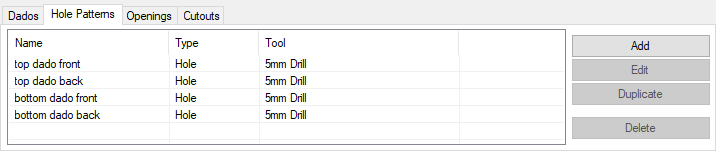
This section displays any hole patterns created by the much broader Pattern Hole Patterns Settings section in the Tools menu, and also any custom hole patterns that apply only to the currently displayed panel.
- Name: This is the hole patterns name, assigned when the line bore or single hole is created. If no name is given, the default name is Unnamed with a number after it if there are more than one that are unnamed.
- Type: This displays the type of hole pattern that is to be created, either Hole for a single hole, or Line for a line bore.
- Tool: This is the tool that will be used to create the hole or line bore.
Creating a Custom Hole Pattern that Applies to Only This Panel: