DXF
DXF
|
|
|
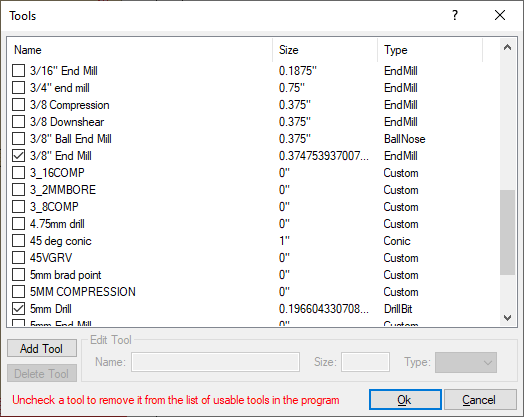
When DXF is selected from the Output tab of the Options section of the Tools menu, this version is displayed. Since this information does NOT require EnRoute to be installed, there is no Tool Library to be displayed. Tools need to be manually added and selected to be used in the Workshop. To add a new tool:
To delete a tool from the list, click on the name of the tool, not the check box next to the name, to select it and click on Delete Tool to delete it. |