Part Section
Part Section
|
|
|
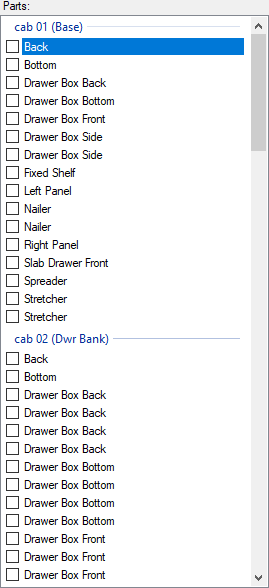
The parts section displays the different parts in the cabinets that have been imported from the Designer. On this screen, parts can be displayed on the main page by clicking on the name of the part itself, or the parts can be selected for exporting to EnRoute by placing a check mark next to the part. |
|
|
|
|
|
|
|
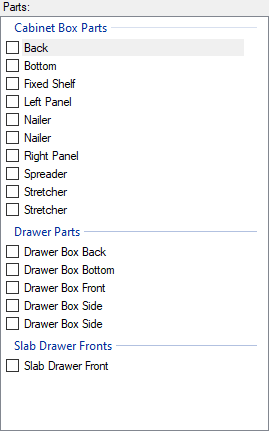
The information changes, however, if a single cabinet is selected from the Cabinets drop down list above this section. The information now displayed pertains to only the selected cabinet. Instead of seeing all parts for all cabinets, the sections now display the parts broken down by matching part type. |