Cabinet Solutions is the easiest cabinet layout and design software package on the market today. With features such as job costing, 3D pictures, cabinet customization, panel optimizing, cutlists, and more. You don't have to purchase any additional modules like you would with other packages.
Still laying out cabinets by hand? We pride ourselves on how accurate our cutlists are. We do all the work so you don't have to. When it comes to how easy Cabinet Solutions is to use, drawing, cutlists, job costing, etc. by hand will be a thing of the past! Become a Member today and you will see how fast you can lay out kitchens, bathrooms, entertainment centers, garages, closets, also print cut sheets, and more.
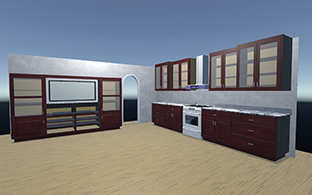
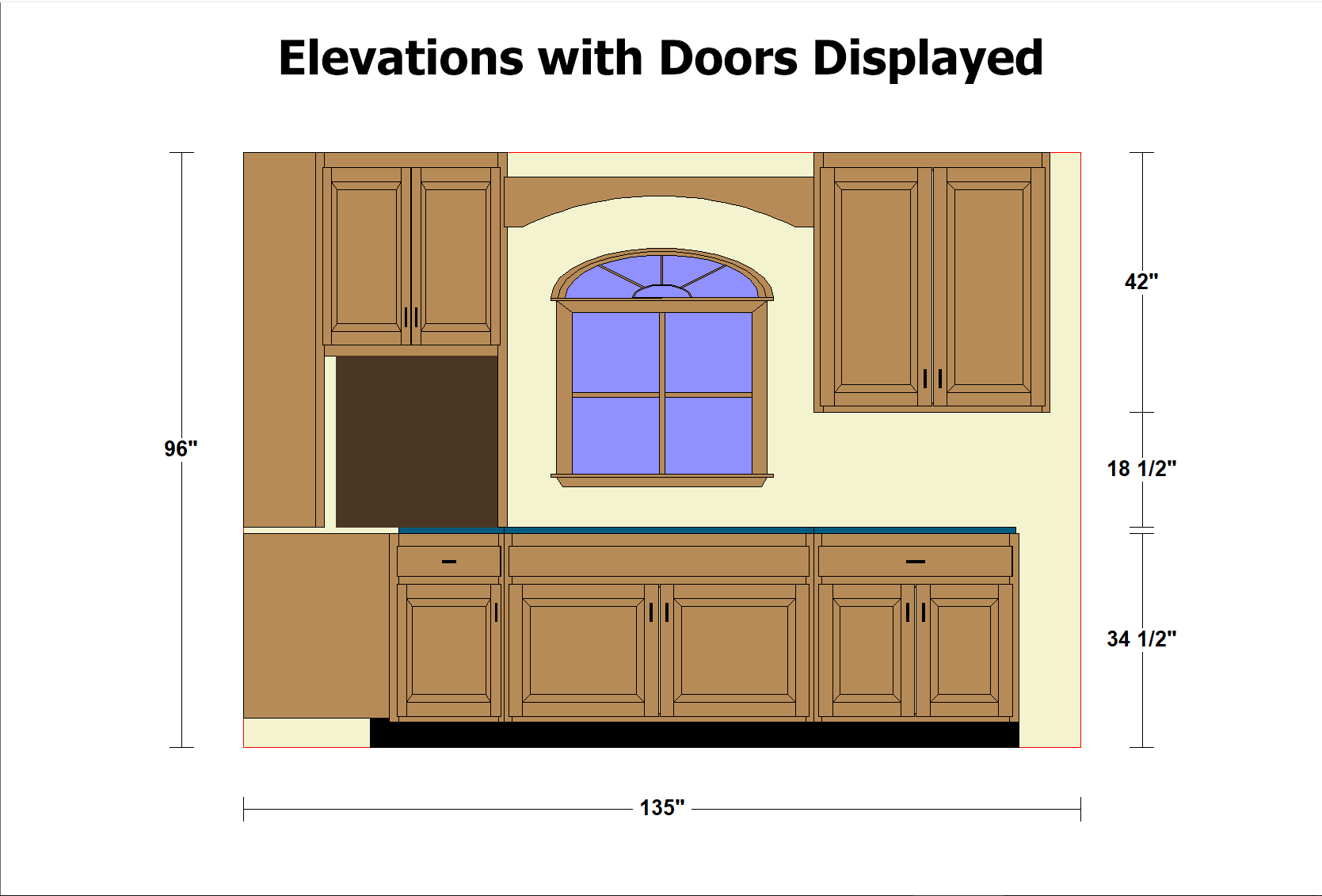
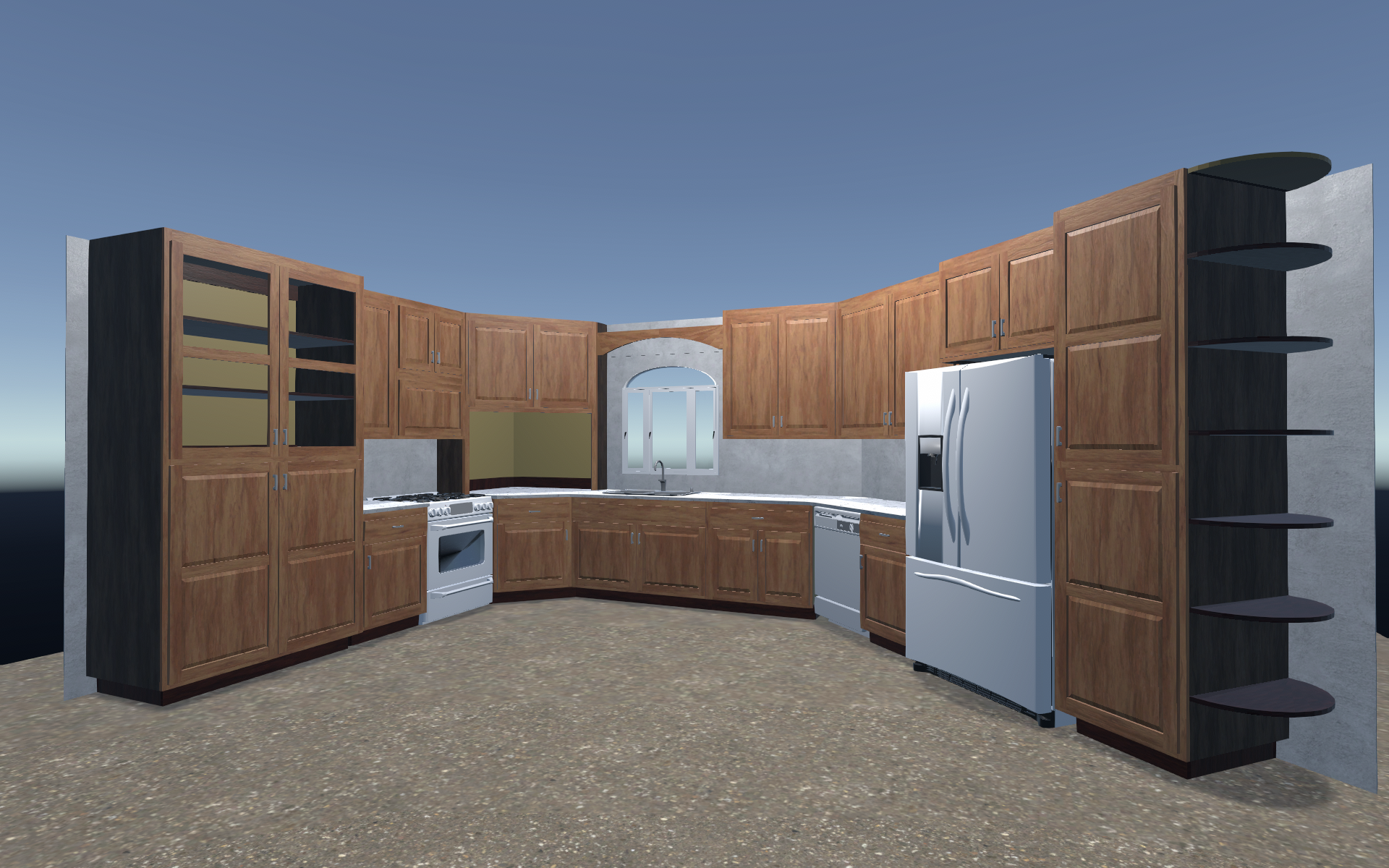
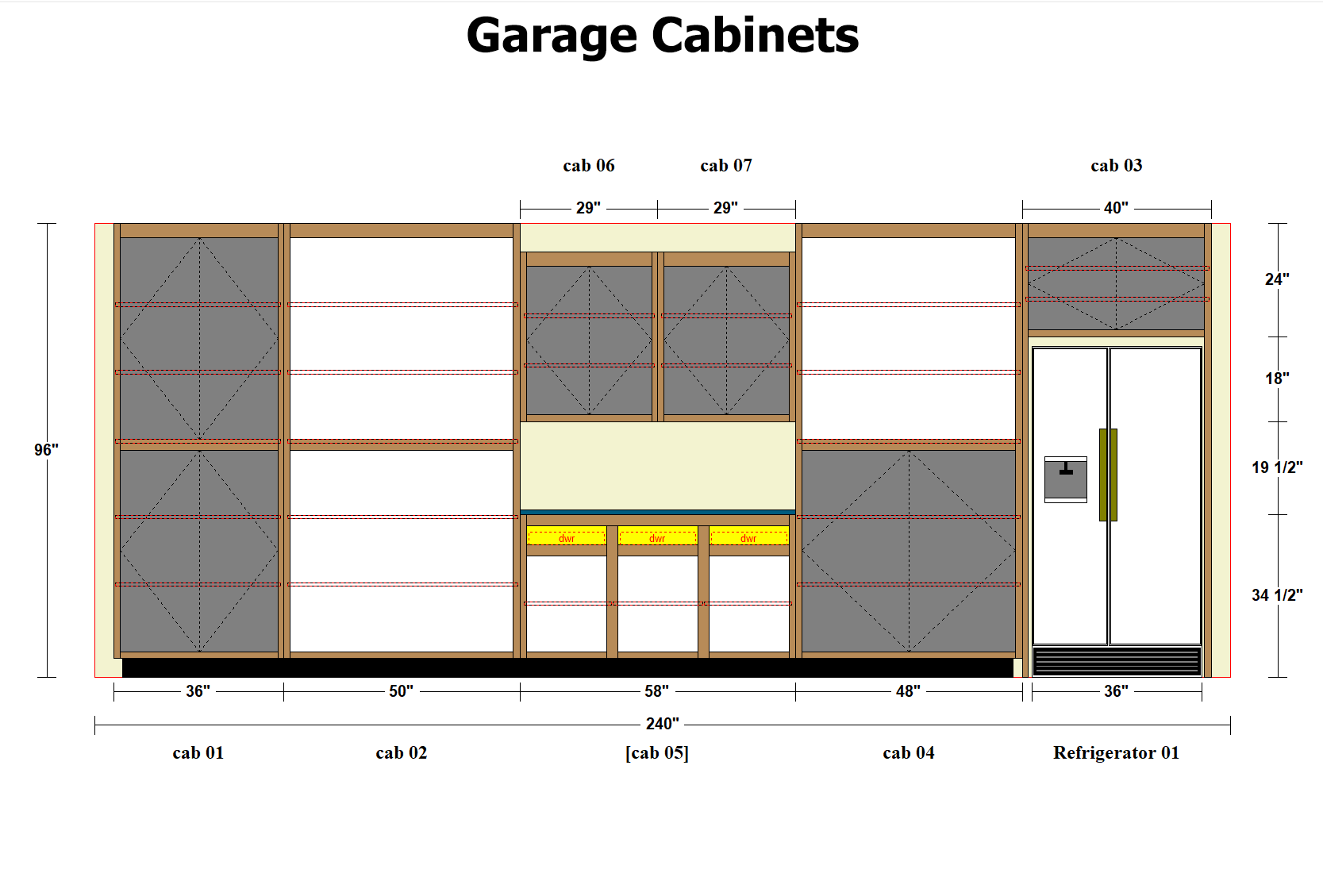
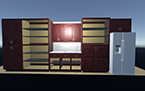
Cabinet Solutions has different views that you can show off to your customers. Our Tour, which shows your customer an example view of how their kitchen will look as if they are walking through it, an Elevations view, and Floor Plan.
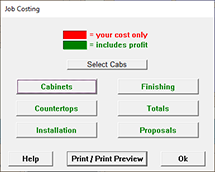
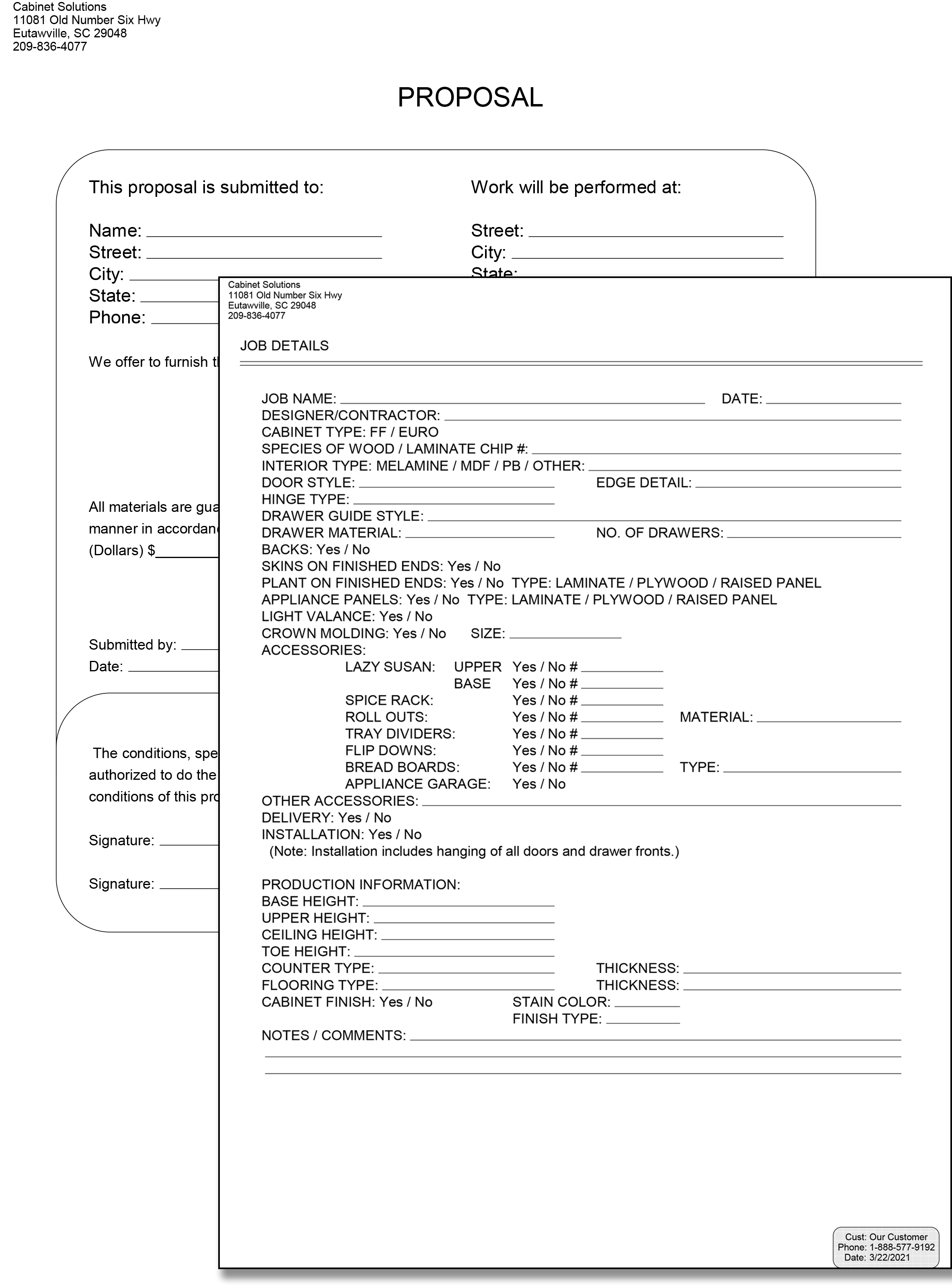
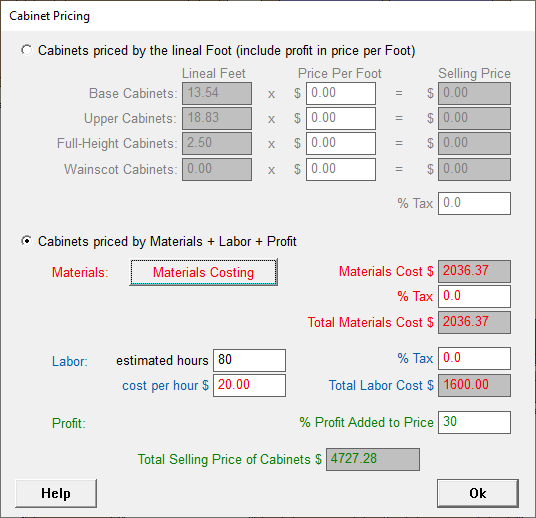
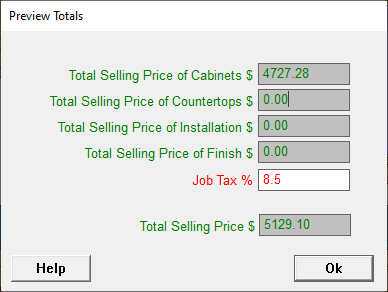
Cabinet Solutions also includes Job Costing. The job costing itself is very accurate and can be calculated out by Linneal Foot or Material, Labor, and Profit, depending on the needs of your shop. If you choose Material, Labor and Profit, you set up the price you pay per square foot of each type of material for extremely accurate quotes. With a click of a button, you can print out a Bidding or Proposal sheet for your customers approval.
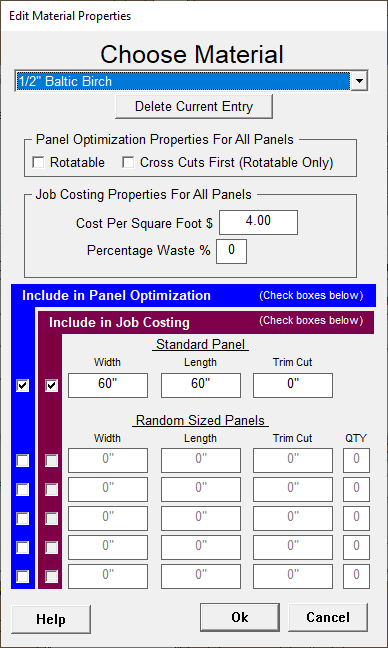
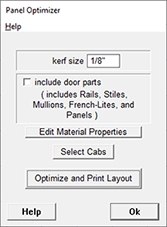
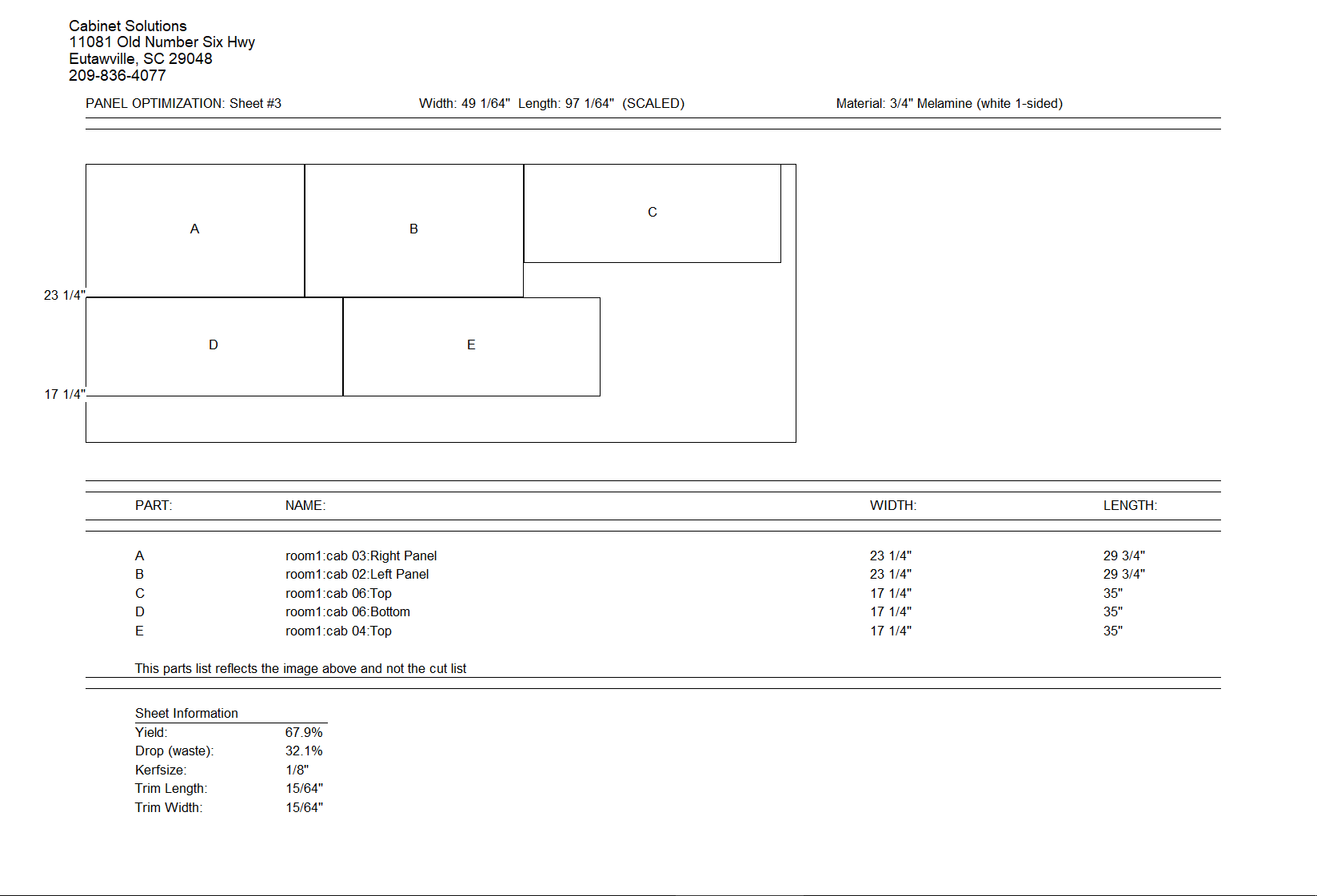
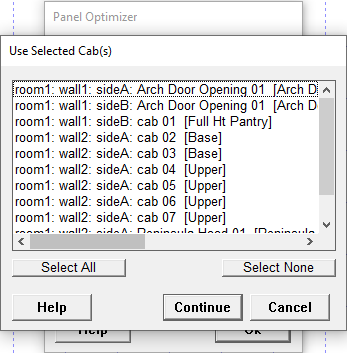
Panel Optimization is a unique feature that will optimize your sheet goods for faster cutting. The program optimizes for rip cuts first, cross cuts second by default to give you the fastest cutting solution. You can also specify rotatable to be able to have your non grain directional panels pack more on each sheet, so you spend less money on materials, and are able to pass that savings on to your customers. You can even add your random sized panels (panels that are too small to be a standard size sheet of material, but too large to be considered scrap) into the optimizer to help you reduce waste around the shop.


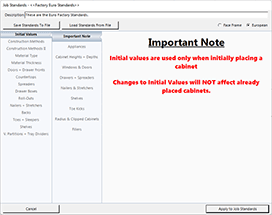
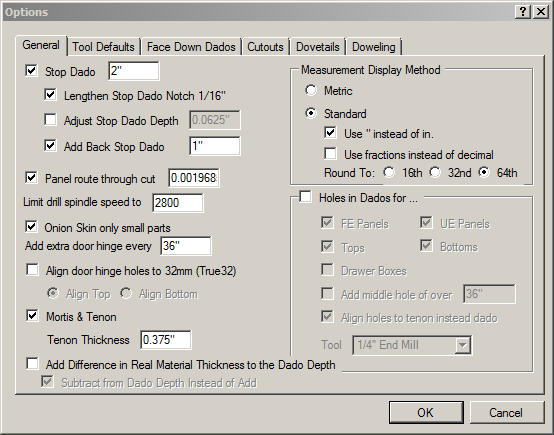
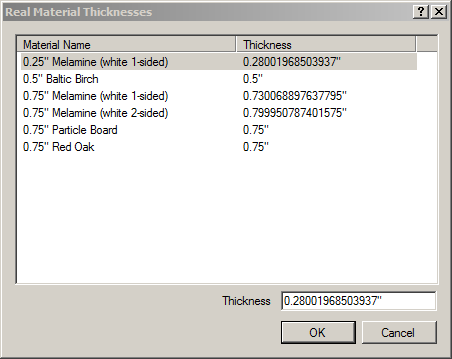
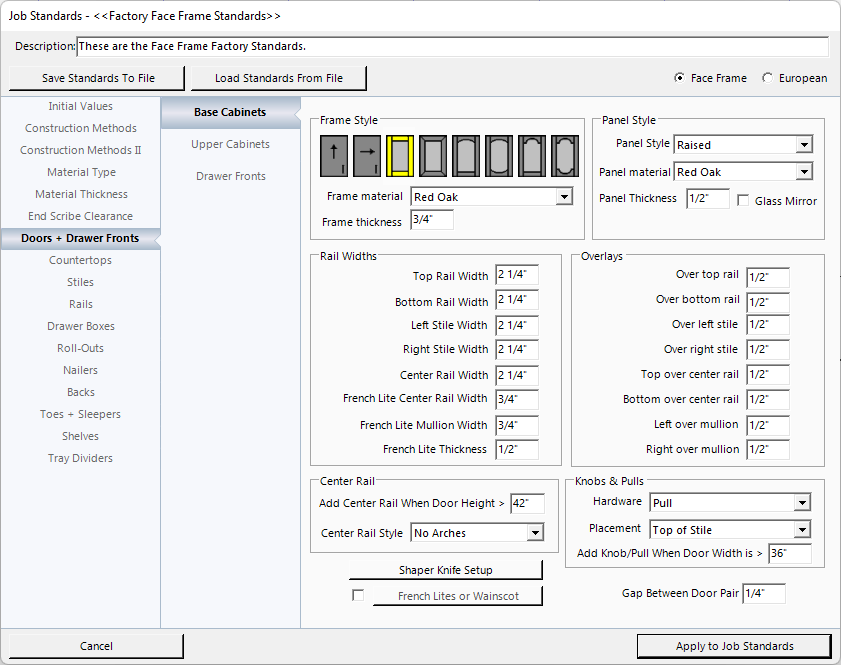
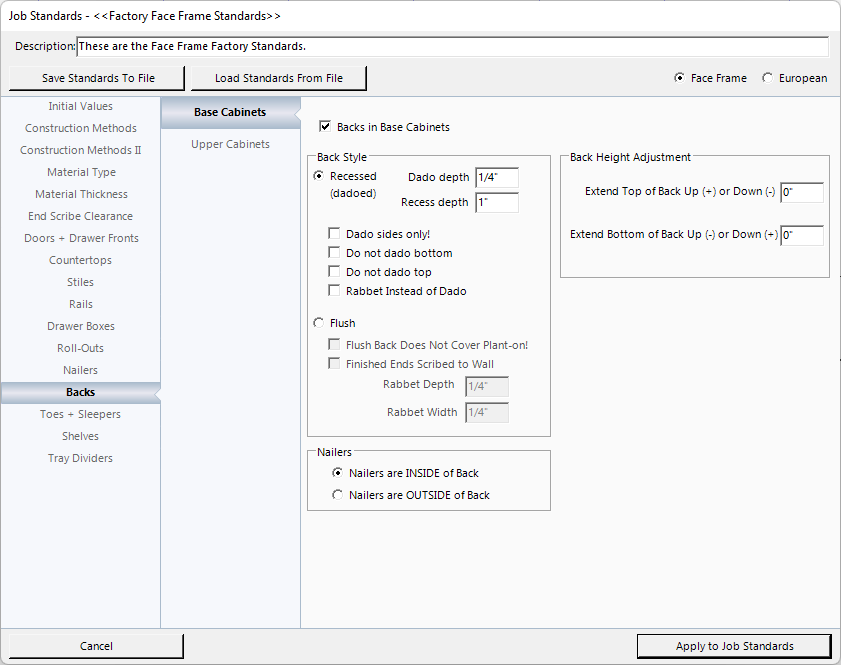
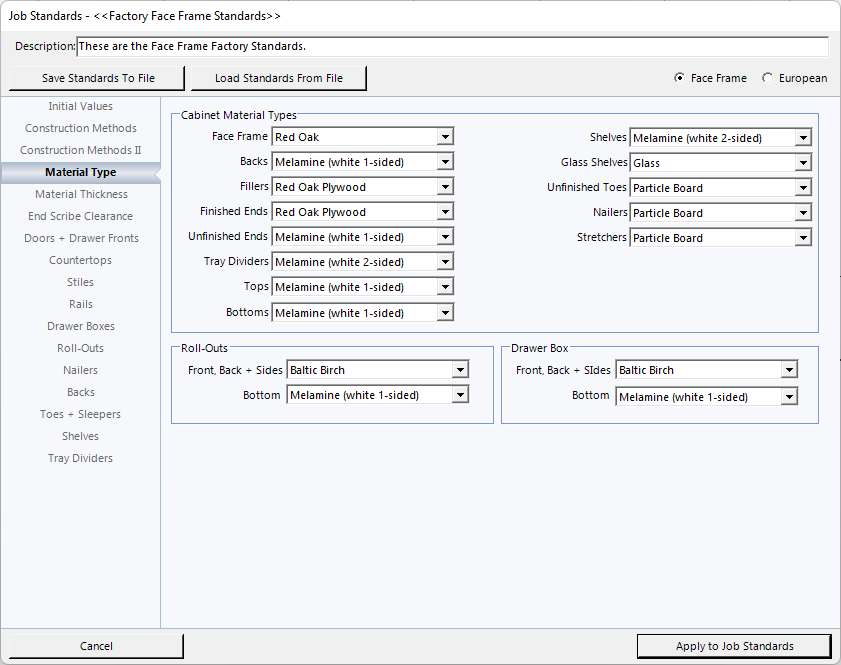
One of the most unique things about Cabinet Solutions is the ability to customize your standards to how YOU build cabinets. You can change the construction methods, adjust the materals to what you use, switch between European (or frameless) and Face Framed style cabinets, inches or metric, with the click of a mouse. We also include several different types of door style, and panel styles so you can create over 100+ types of doors for your customers. You aren't limited to only one set of standards for Euro and Face Frame, you can have as many different types of standards as your computer can hold.

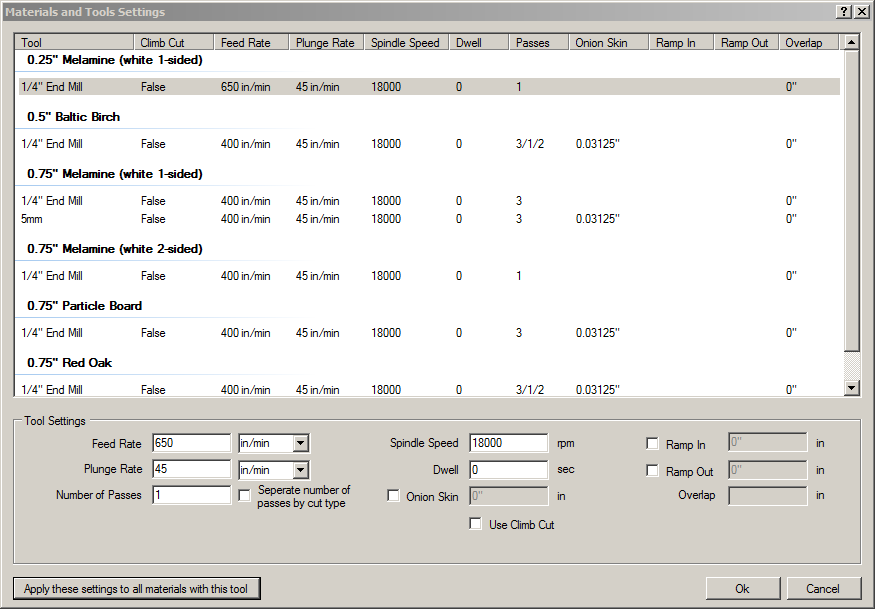
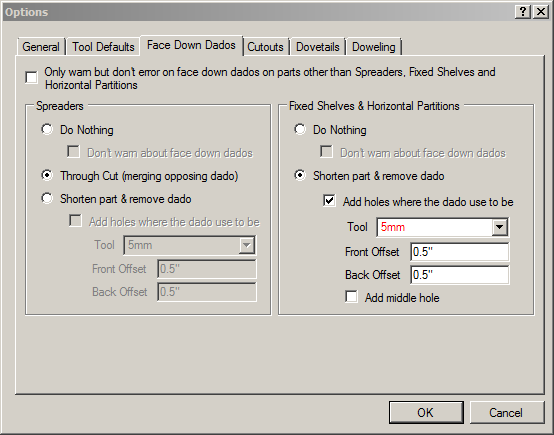
Cabinet Solutions CNC Workshop is designed to take your parts, and help take the next step of adding Tool Information and Tool Paths to those parts to be exported to DXF Files that can be brought into any CNC Nesting and G-Code creation. Currently we work directly with EnRoute for a Nesting Solution, but we create files that can be brought into any Nesting Software. Check out our CNC Package page for more information.